
Automation
Google Workspace automation
A Sorted Automation service. Review and complete the service-page fields before publishing.
What Sorted does
Practical help, built around your business.
Make the Google Tools You Already Use Work Together
Google Workspace can do far more than store files, send emails and hold spreadsheets.
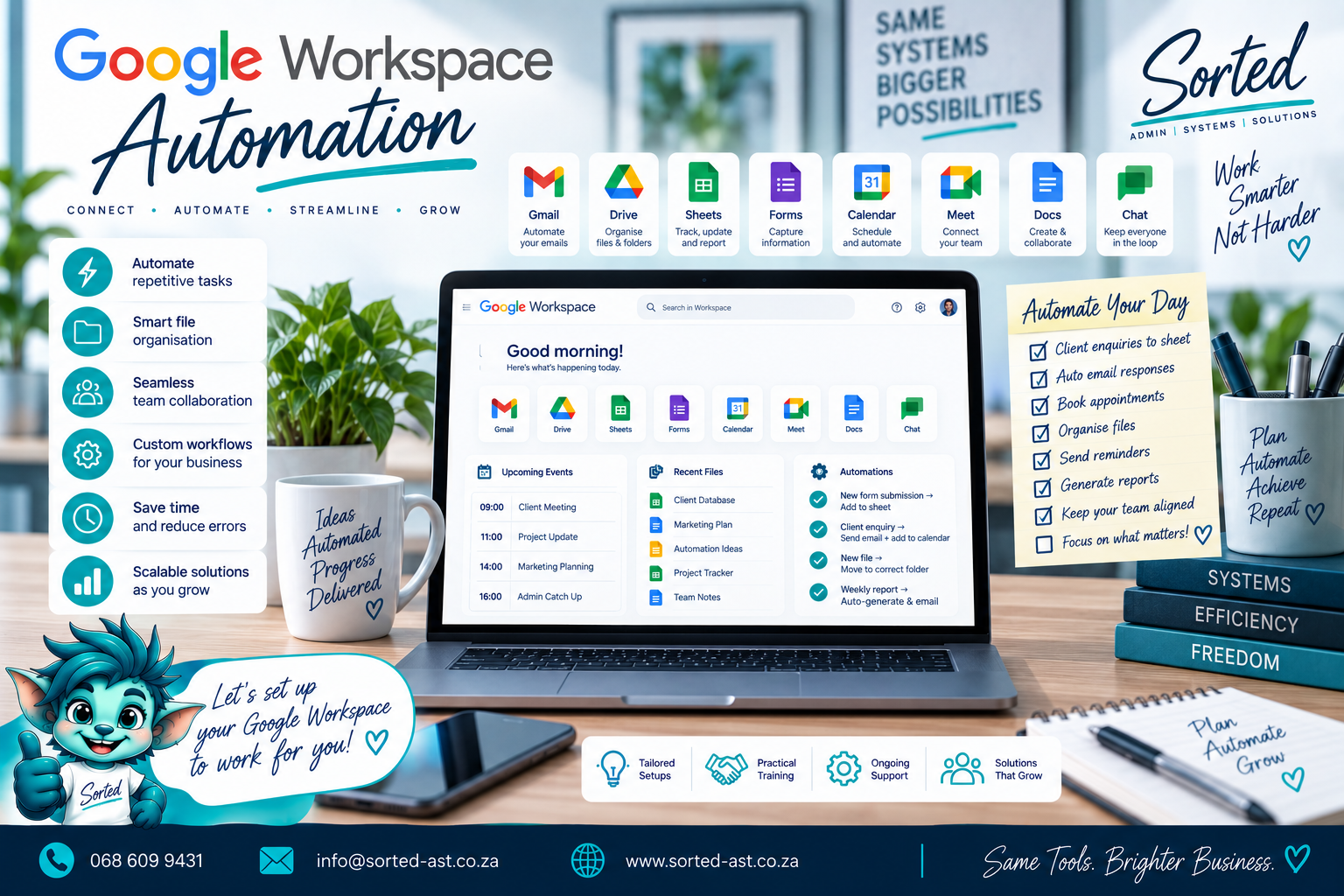
With the right setup, Google Sheets, Forms, Drive, Docs, Gmail and Calendar can work together as one practical business system, reducing repetitive admin and helping information move automatically from one step to the next.
Sorted builds Google Workspace Automation around the way your business actually works, so your existing tools can do more without forcing you into another expensive platform.
What Google Workspace Automation Can Include
Depending on your business, we can help automate:
- Google Sheets workflows
- Google Forms submissions
- Google Drive folder creation
- Google Docs document generation
- Google Calendar reminders
- Gmail notifications
- Follow-up emails
- Customer onboarding steps
- Project setup
- Status-based actions
- Task creation
- Certificate expiry reminders
- Renewal reminders
- Lead capture
- File naming workflows
- Automated reports
- Dashboard updates
- Data movement between Sheets
- Recurring admin tasks
- Apps Script automations
- Form-to-database workflows
Who This Service Is For
Google Workspace Automation is ideal for businesses that:
- Already use Google Workspace
- Spend too much time copying information between tools
- Use Google Sheets for business operations
- Want Forms, Drive and Calendar connected
- Create the same documents repeatedly
- Manually create folders for every new customer or project
- Need automated reminders
- Want to reduce repetitive admin
- Need better follow-up systems
- Want more value from tools they already pay for
Connect the Tools You Already Know
One of the biggest advantages of Google Workspace is familiarity.
Your team may already know how to use:
- Google Sheets
- Google Drive
- Google Forms
- Google Docs
- Gmail
- Google Calendar
Instead of replacing those tools, we can connect them.
For example:
A customer completes a Google Form.
Their information can automatically:
- Enter a Google Sheet
- Create a customer folder in Drive
- Generate an onboarding document
- Create a follow-up event in Calendar
- Send an internal notification
One action can trigger the next steps without someone manually repeating them.
Practical Automation Examples
New Lead Automation
A form is submitted, the lead is added to a tracker, a follow-up date is created and the relevant person is notified.
Customer Folder Creation
A new customer is approved and the system creates the correct Drive folder structure automatically.
Document Generation
Information from a Sheet or Form is used to create a report, quotation, certificate or job card.
Calendar Automation
Important dates create reminders for follow-ups, deadlines, renewals or service dates.
Status-Based Workflows
A project status changes and the next task, notification or document action happens automatically.
Google Apps Script Where It Makes Sense
For more advanced workflows, we can use Google Apps Script to extend Google Workspace beyond its standard features.
This can help with:
- Custom automation
- Data validation
- Notifications
- Scheduled actions
- Document generation
- File management
- Dashboard updates
- Workflow logic
The aim is not to create complicated code for the sake of it.
The aim is to quietly make the process work better.
Our Philosophy
Use what you already have before buying something else.
Many businesses already pay for Google Workspace but use only a small part of what it can do.
Sorted believes those tools should earn their place in the monthly bill.
Our approach is:
Assess. Plan. Cut Out Waste. Build. Implement.
We first understand the process.
Then we remove unnecessary steps.
Only then do we automate the parts that genuinely save time.
The goal is:
Less repetitive admin.
Fewer forgotten tasks.
Better connected information.
Fewer unnecessary subscriptions.
More value from Google Workspace.
Your Google account should not just hold your files.
With the right setup, it can help run the business.
Get Your Google Workspace Automation Sorted
If your Google tools are working separately instead of together, we can help connect them into a more practical system.
How it works
From assessment to implementation.
- 1Assess
- 2Plan
- 3Cut Out Waste
- 4Build
- 5Implement