
Automation
Calendar automation
A Sorted Automation service. Review and complete the service-page fields before publishing.
What Sorted does
Practical help, built around your business.
Put Important Dates, Reminders and Follow-Ups on Autopilot
Calendars are useful.
Manually creating every appointment, follow-up, renewal reminder and project deadline is not.
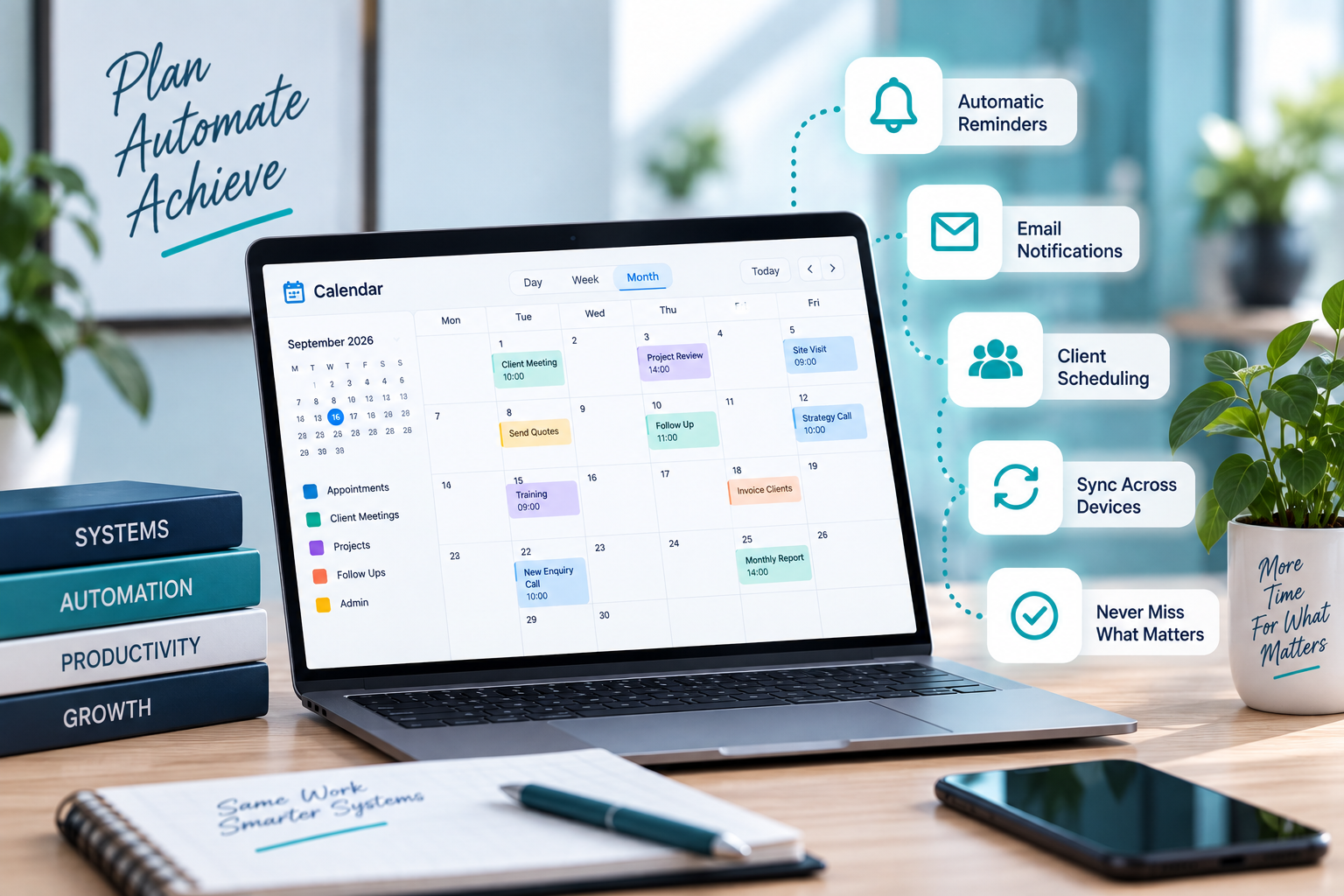
Sorted builds calendar automation systems that connect your business processes to your calendar so important dates can be created, updated and tracked automatically.
The goal is simple: fewer forgotten tasks, less repeated admin and better visibility over what is coming next.
What Calendar Automation Can Include
Depending on your business, we can help automate:
- Customer follow-up reminders
- Project deadlines
- Appointment scheduling
- Site visit reminders
- Certificate expiry dates
- Renewal dates
- Training reminders
- Service intervals
- Payment follow-ups
- Quote follow-ups
- Recurring business tasks
- Staff reminders
- Internal deadlines
- Event creation from forms or databases
- Calendar updates from Google Sheets
- Automated task due dates
- Status-based reminders
- Multi-calendar workflows
Who This Service Is For
Calendar Automation is ideal for businesses that:
- Keep creating the same reminders manually
- Miss follow-ups or renewal dates
- Need project dates to be more visible
- Track certificates, warranties or service intervals
- Use Google Calendar but are not getting enough value from it
- Want information from forms or spreadsheets to create calendar events automatically
- Need recurring admin tasks scheduled consistently
- Want fewer important dates living only in someone’s memory
From Data to Calendar Automatically
Calendar automation works especially well when dates already exist somewhere else in the business.
For example:
A customer follow-up date is entered into a database.
The system creates a calendar reminder automatically.
A certificate expiry date is captured.
Reminder events can be created before it expires.
A project start date is approved.
The relevant milestones can be added to the calendar.
A Google Form is submitted.
An appointment or internal task can be scheduled without someone manually copying the information across.
This helps reduce double capturing and keeps important dates visible.
Google Workspace Integration
Calendar Automation can work alongside:
- Google Calendar
- Google Sheets
- Google Forms
- Google Drive
- Google Apps Script
- Customer databases
- CRM systems
- Project trackers
- Smart Google Drive databases
This allows your calendar to become part of the business workflow rather than a completely separate tool.
Recurring Tasks and Reminders
Some business tasks happen again and again.
Examples include:
- Monthly reporting
- Equipment checks
- Customer reviews
- Staff admin
- Marketing deadlines
- Certificate renewals
- Service dates
- Payment checks
We can help create recurring calendar systems so these tasks appear when they are needed instead of relying on somebody remembering them every month.
Our Philosophy
If the date already exists somewhere in the system, you should not have to type it into the calendar again.
Sorted believes automation should remove repetitive admin without making the process harder to understand.
Our approach is:
Assess. Plan. Cut Out Waste. Build. Implement.
We first look at:
- Where the date comes from
- Who needs to know about it
- When the reminder should happen
- What should happen next
- Whether the process still needs human approval
Then we automate the sensible parts.
The goal is:
Fewer missed dates.
Less double capturing.
Better follow-up.
Clearer schedules.
Less admin living in your head.
Your calendar should help run the process.
It should not become another process you have to run.
Get Your Calendar Automation Sorted
If important dates are still being added manually or follow-ups are being missed, we can help connect your calendar to the systems you already use.
How it works
From assessment to implementation.
- 1Assess
- 2Plan
- 3Cut Out Waste
- 4Build
- 5Implement