
Systems
Google Drive smart databases
A Sorted Systems service. Review and complete the service-page fields before publishing.
What Sorted does
Practical help, built around your business.
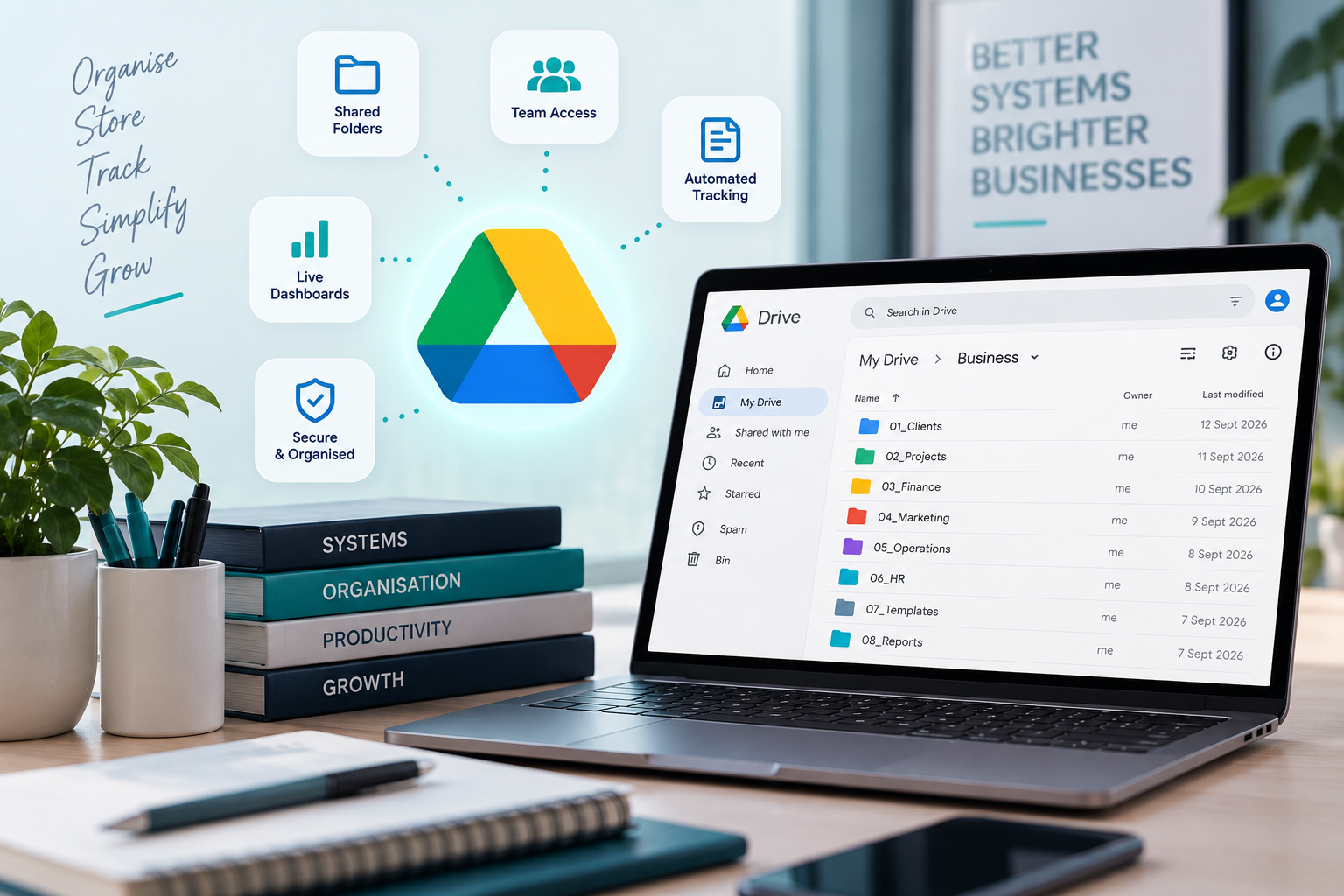
Turn Google Drive Into a Practical Business System
Google Drive can be much more than a place to store files.
With the right structure, Google Sheets, Forms, Drive, Docs and Calendar can work together as a practical business database for customers, projects, stock, documents, follow-ups, payments and day-to-day operations.
Sorted builds Google Drive Smart Databases around the way your business actually works, using familiar Google Workspace tools to create organised, connected systems without forcing you into expensive software you may not need.
What a Google Drive Smart Database Can Include
Depending on your business, your system can include:
- Customer and client databases
- Lead and enquiry tracking
- Project registers
- Order tracking
- Supplier databases
- Stock and inventory tracking
- Equipment and asset registers
- Staff records
- Training and certificate tracking
- Expense and payment tracking
- Warranty registers
- Task and follow-up systems
- Status tracking
- Google Forms for data capture
- Google Calendar reminders
- Google Drive folder links
- Document tracking
- Dashboards and reports
- Search and filtering tools
- Dropdowns and controlled data entry
- Conditional formatting
- Automated calculations
- Apps Script automation where useful
Who This Service Is For
Google Drive Smart Databases are ideal for businesses that:
- Already use Google Workspace
- Rely heavily on Google Sheets
- Have too many separate spreadsheets
- Need a central place for business information
- Want more structure without buying a large CRM
- Need forms, dashboards and reminders connected together
- Want a system that can grow with the business
- Prefer familiar tools that staff already understand
More Than a Spreadsheet
A smart database is not simply a spreadsheet with headings.
We structure the information so that it is easier to capture, search, filter, link and use across the business.
For example, one customer record may connect to:
- Contact details
- Quotes
- Orders
- Projects
- Follow-up dates
- Documents
- Payments
- Notes
- Equipment
- Service history
Instead of maintaining several disconnected lists, the information is organised around the real relationships inside your business.
Easy Data Capture With Google Forms
Google Forms can make it easier for staff, technicians or customers to submit information directly into the system.
Forms can be created for:
- New leads
- Customer information
- Job cards
- Stock movements
- Expenses
- Project updates
- Site inspections
- Training records
- Orders
- Customer feedback
The information can then feed directly into the database, reducing repeated manual capturing.
Dashboards That Show What Needs Attention
A Google Drive Smart Database can also include dashboards that help you see what is happening at a glance.
Depending on the system, this may include:
- New leads
- Active customers
- Outstanding follow-ups
- Open projects
- Upcoming deadlines
- Low stock
- Outstanding payments
- Expiring certificates
- Warranty dates
- Tasks requiring attention
- Operational performance
The goal is not just to store information.
It is to make the information useful.
Automation Where It Makes Sense
Where useful, your system can include Google Workspace automation such as:
- Automatic reminders
- Calendar event creation
- Email notifications
- Automated document generation
- Folder creation
- Status-based alerts
- Recurring follow-ups
- Dashboard updates
We automate repetitive work where it genuinely saves time, while keeping the system understandable and manageable.
Our Philosophy
Use the tools you already have before adding another subscription.
A good business system is not defined by how expensive the software is.
It is defined by whether people can use it, whether information is organised properly, and whether it helps the business make better decisions.
Our approach is:
Assess. Plan. Cut Out Waste. Build. Implement.
We build Google Drive Smart Databases to be:
Practical.
Understandable.
Expandable.
Owned by the business.
Built around the real workflow.
The goal is:
Fewer disconnected spreadsheets.
Less repeated capturing.
Better visibility.
Cleaner records.
A system that works with the business instead of against it.
Sometimes the smartest database is not another piece of software.
Sometimes it is the Google Workspace account you already have, finally doing the job properly.
Get Your Google Drive System Sorted
If your business information is spread across spreadsheets, folders and inboxes, we can help bring it into one practical, connected system.
How it works
From assessment to implementation.
- 1Assess
- 2Plan
- 3Cut Out Waste
- 4Build
- 5Implement