
Automation
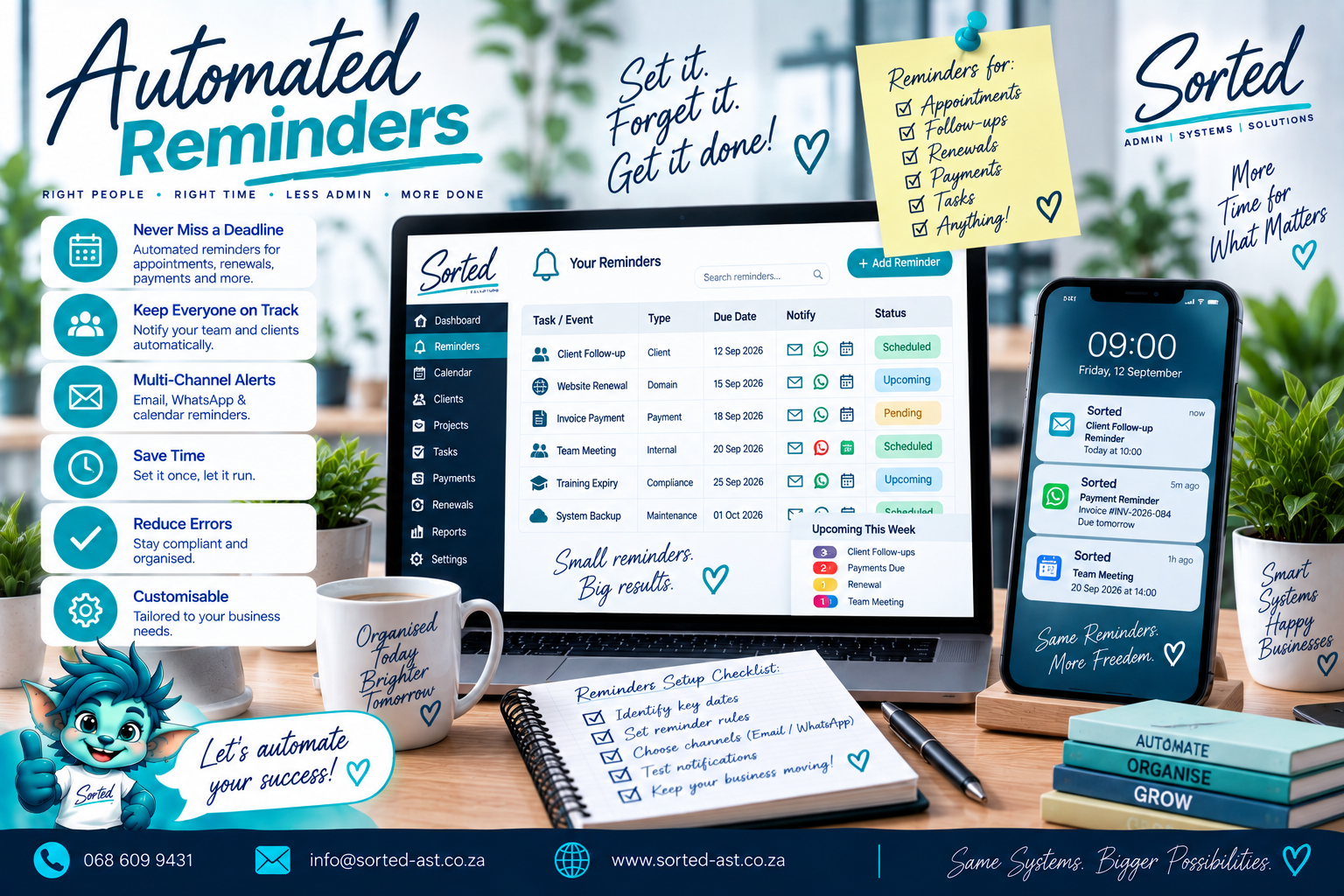
Automated reminders
A Sorted Automation service. Review and complete the service-page fields before publishing.
What Sorted does
Practical help, built around your business.
Keep Important Follow-Ups, Deadlines and Renewals From Slipping Through the Cracks
Some tasks are too important to rely on memory.
Customer follow-ups, payment reminders, certificate renewals, service dates, project deadlines and recurring admin can easily be missed when they live only in notebooks, spreadsheets or someone’s head.
Sorted builds Automated Reminder Systems that connect important dates and triggers to the tools your business already uses, helping the right people get the right reminder at the right time.
What Automated Reminders Can Include
Depending on your business, we can help automate:
- Customer follow-up reminders
- Quote follow-up reminders
- Payment reminders
- Invoice due-date reminders
- Project deadline reminders
- Task due-date alerts
- Certificate expiry reminders
- Warranty expiry reminders
- Service and maintenance reminders
- Training renewal reminders
- Appointment reminders
- Renewal notices
- Recurring admin reminders
- Staff task reminders
- Internal escalation alerts
- Calendar reminders
- Email notifications
- Google Sheets trigger-based reminders
- Form-based reminders
- Status-based reminders
- CRM follow-up alerts
Who This Service Is For
Automated Reminders are ideal for businesses that:
- Regularly forget follow-ups
- Track important dates manually
- Depend on one person to remember renewals or deadlines
- Need customer or supplier reminders
- Manage certificates, warranties or service dates
- Want project deadlines to be more visible
- Use Google Sheets or a CRM and want reminders triggered automatically
- Need recurring admin tasks to happen more consistently
- Want fewer missed actions without adding more manual admin
Reminders Built Around the Real Process
We do not simply create dozens of calendar alerts and call it automation.
We first look at:
- What event or date should trigger the reminder
- Who needs to receive it
- How far in advance they need to know
- Whether one reminder is enough
- What should happen if no action is taken
- Whether the reminder should stop once the task is complete
- Which system already contains the information
Then we design the reminder flow around that process.
Practical Examples
Customer Follow-Up
A follow-up date is entered into a CRM or Google Sheet.
The responsible person receives a reminder before the date and can be alerted again if the follow-up remains outstanding.
Certificate Expiry
An expiry date is captured.
The system can trigger reminders 60, 30 and 7 days before expiry.
Payment Follow-Up
An invoice reaches a due date.
An internal reminder can prompt the accounts team to review it before contacting the customer.
Service Reminder
A service date is recorded.
The system can alert the team ahead of time so the next appointment can be planned before the due date arrives.
Connected to the Tools You Already Use
Automated reminders can work with:
- Google Calendar
- Google Sheets
- Google Forms
- Gmail
- Google Workspace
- CRM systems
- Project trackers
- Customer databases
- Smart databases
- WordPress workflows
The exact setup depends on where the date or trigger already exists.
Our Philosophy
Important work should not depend entirely on someone remembering it.
Sorted believes reminders should support the workflow, not create another layer of noise.
Our approach is:
Assess. Plan. Cut Out Waste. Build. Implement.
We create reminders that are relevant, timely and connected to the actual business process.
The goal is:
Fewer missed follow-ups.
Better deadline visibility.
More consistent service.
Less mental load.
More reliable admin.
A reminder system should quietly help the business stay on track.
It should not become another inbox full of alerts nobody reads.
Get Your Automated Reminders Sorted
If important follow-ups, renewals or deadlines are still being tracked manually, we can help build a reminder system around the tools you already use.
How it works
From assessment to implementation.
- 1Assess
- 2Plan
- 3Cut Out Waste
- 4Build
- 5Implement